Questions
Where exactly do the prices come from?
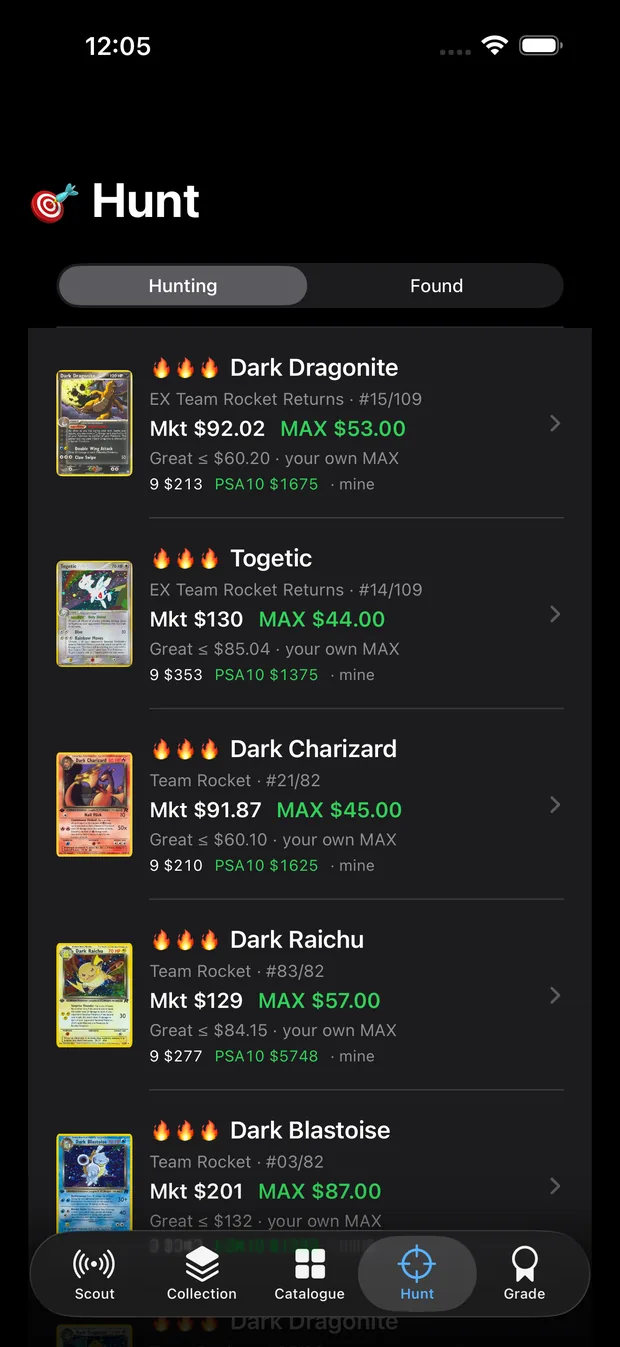
Raw prices come from TCGplayer market data, which is what that card has actually been selling
for, not what people are asking. Graded prices come from completed eBay sales at that specific
grade, so a PSA 9 and a PSA 10 are priced separately rather than guessed from a multiplier.
Every card names its source. If you think a number is wrong, you can correct it yourself and
CardHawk uses your figure from then on.
How does it know which printing it is looking at?
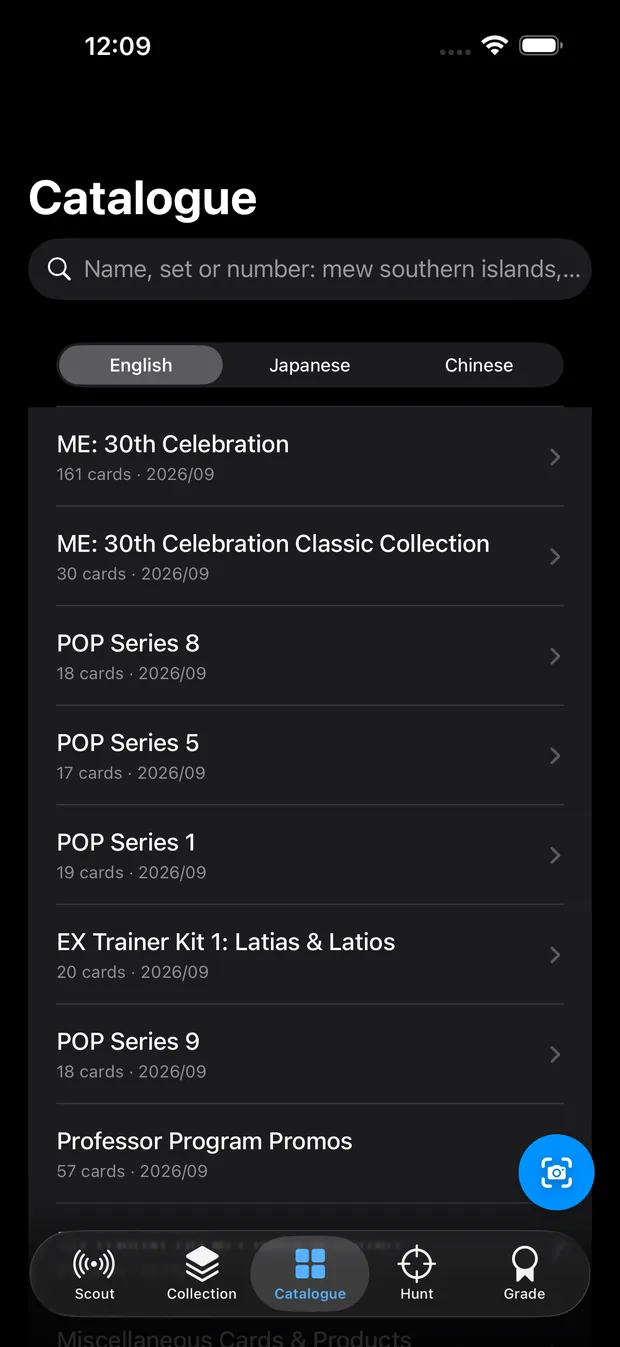
It reads the card's name, its number, its attack text and any stamps or codes on the face, then
matches all of that against a catalogue of about 66,000 cards. The number alone is never enough,
because the same number is printed in several sets.
When the tells that separate two printings are not visible, it does not pick the expensive one
to look impressive. It shows the cheaper figure with the full range and tells you what to check.
The guide walks through every tell it looks for.
Which cards are covered?
Pokemon and Disney Lorcana, in English, Japanese and Chinese, including promos, World
Championship reprints and most variants.
Sports cards are not supported. We would rather say that plainly than have you find out in the
middle of an auction.
Does the overlay block the card I am trying to see?
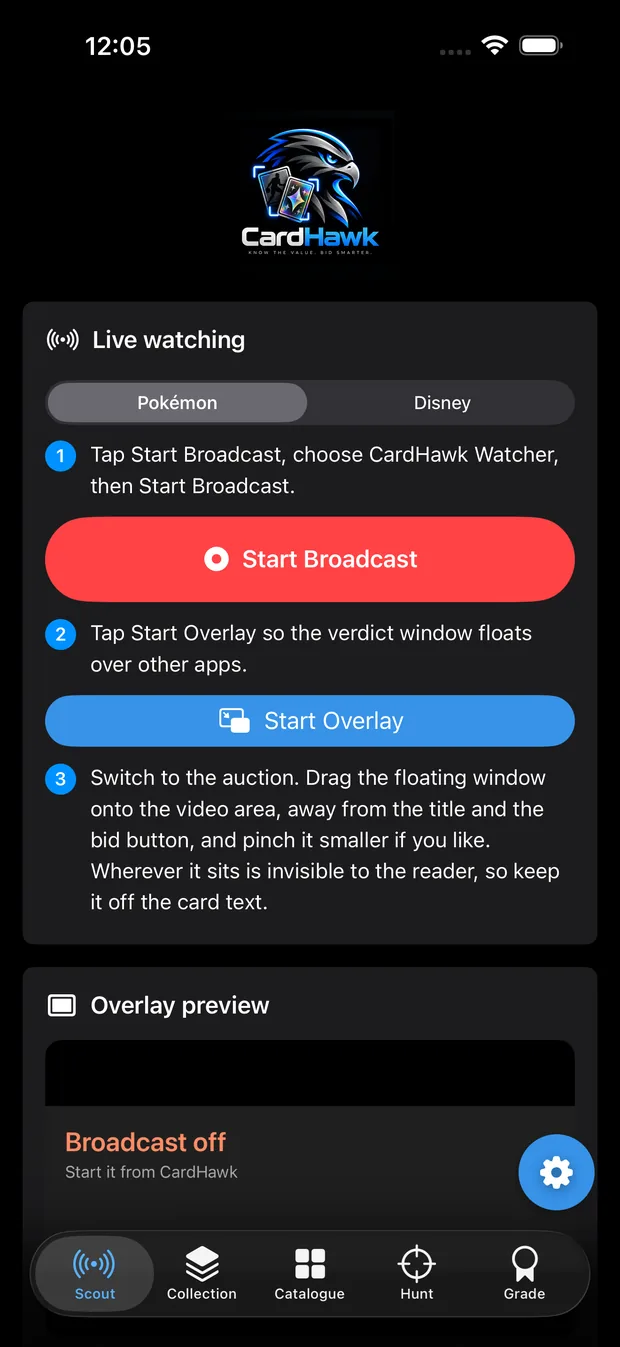
It can be moved to any corner, shrunk to a slim bar showing just the verdict and the number, or
run in the Dynamic Island on iPhone 14 Pro and later, where it covers nothing at all.
It also notices when it is sitting over the card itself and shrinks on its own.
Does it bid for me, or snipe auctions?
No, and it never will. CardHawk tells you what a card is worth and the most you should pay.
Every bid is yours, placed by you, in the app you are already watching.
How does the grading advice work?
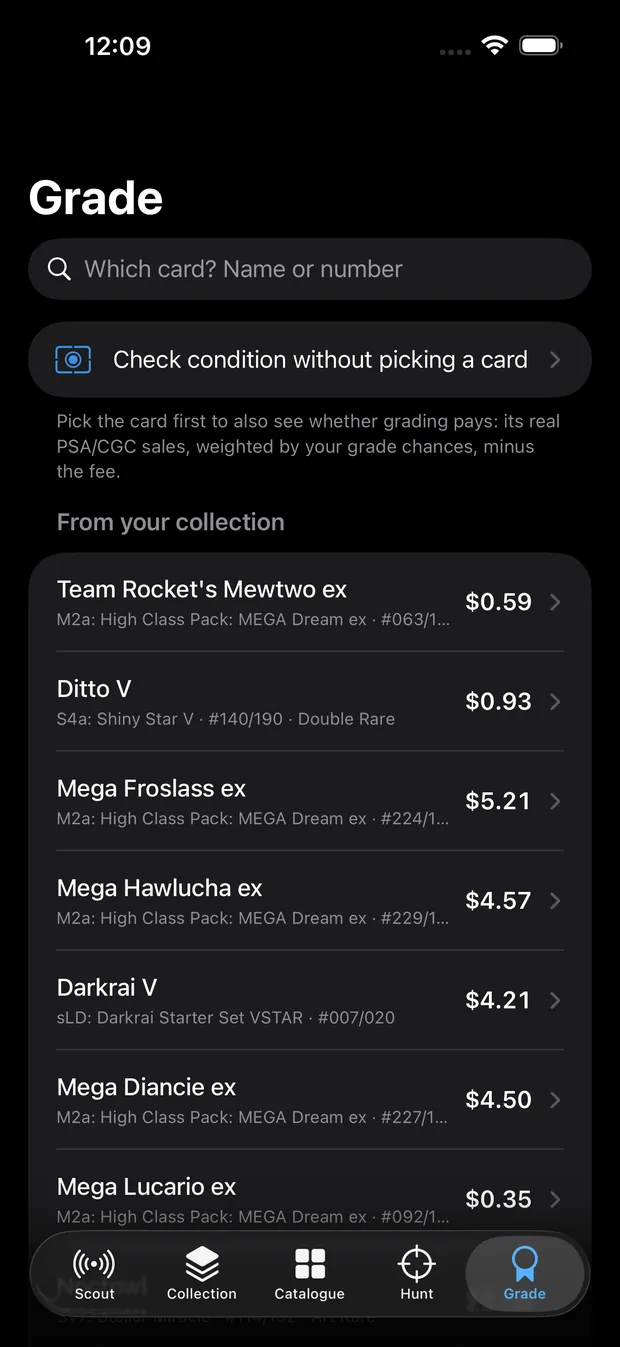
You photograph the card, and CardHawk measures the borders the way a grader measures centering,
then looks for whitening at the corners and edges. That becomes a probability for each grade rather
than a promise of one.
It multiplies those odds against real sale prices at each grade, subtracts the grading fee, which
defaults to $80 and is editable, and subtracts what the raw card is worth today. What is left is
what grading would actually earn you.
What do you collect about me?
No analytics, no tracking, no advertising. Your collection stays on your device and syncs
through your own iCloud if you sign in.
See the privacy policy for the full detail.
Does it work on iPad or Mac?
It runs on iPhone and iPad, and a Mac version is in progress. The live watcher, which reads a
stream while you watch, is on iPhone and iPad.
Do I need a subscription to use it?
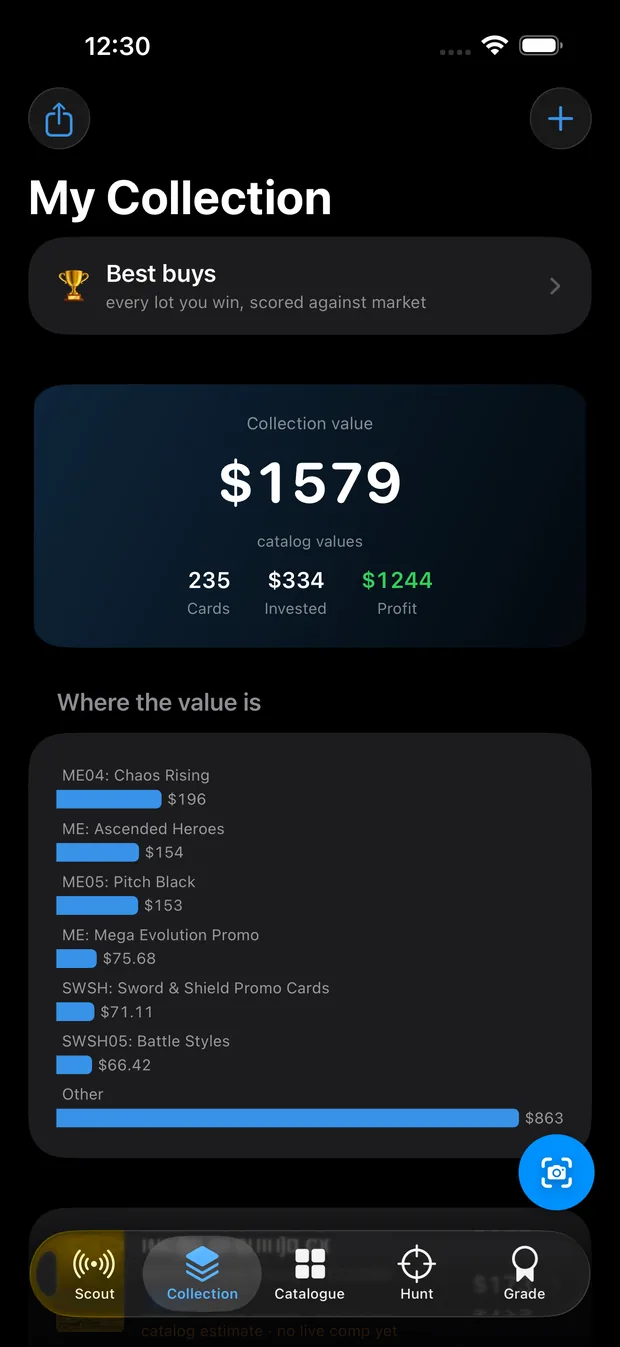
Only for the live scout overlay. Looking up any card, valuing your collection, the hunt list and
the grading tools all work free, permanently, with no card required.